Classic Retro Pixel 3D Text Effect: A Modern Design Asset
There’s a specific kind of nostalgia that hits when you see the blocky, dimensional letters of early video games and 80s arcade cabinets. It’s a feeling of playful confidence and digital adventure. The Classic Retro Pixel 3D Text Effect captures that exact energy, transforming it into a versatile, modern design tool. This isn't just a static image; it's a fully editable vector design built for creators who need both personality and practicality. You can scale it to fit a billboard or a business card in Adobe Illustrator, and the quality remains perfectly crisp. It’s a bridge between retro charm and contemporary design needs, delivered in EPS and JPG formats for immediate use.
More Than a Font: Defining the Visual Vibe
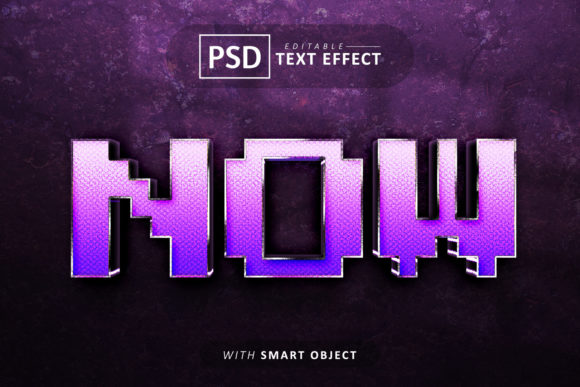
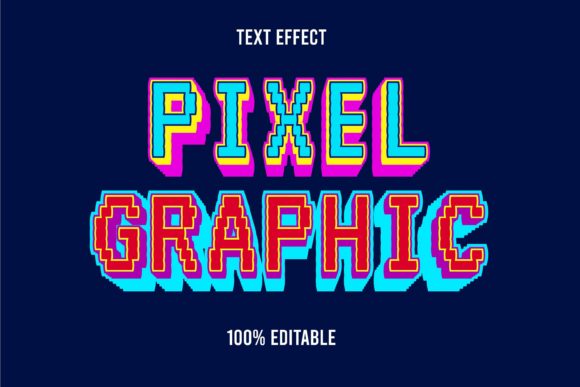
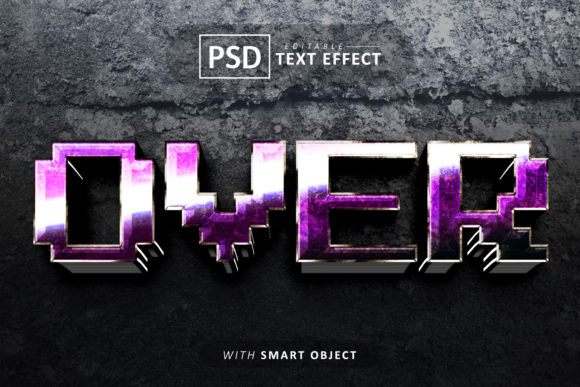
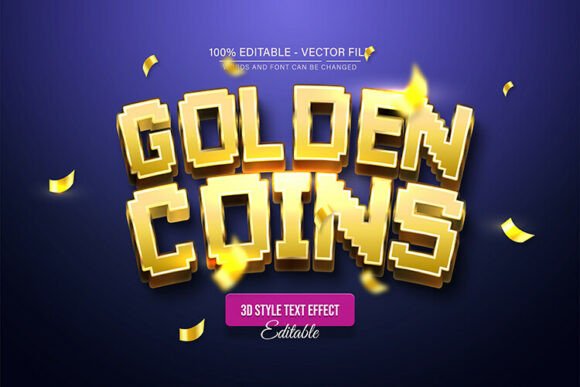
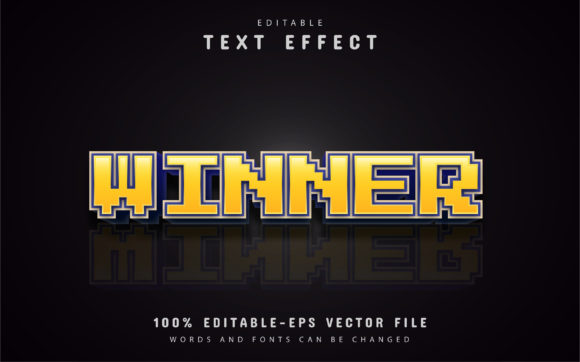
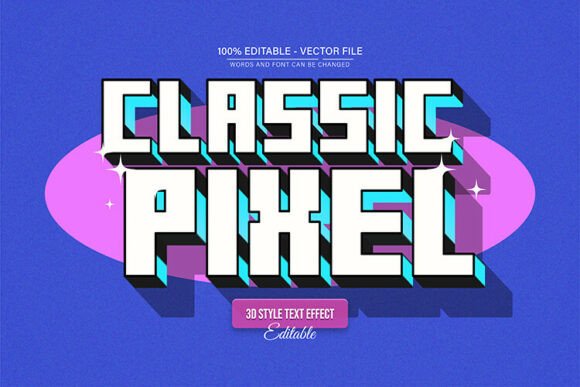
At its core, this effect mimics the aesthetic of classic pixel art, but with a significant upgrade. Each character appears constructed from small, square voxels, giving it a tangible, three-dimensional depth you can almost feel. The "3D" isn't just a subtle shadow; it’s a pronounced extrusion that makes letters pop off the background. This creates immediate visual hierarchy, perfect for headlines that need to command attention without being overly aggressive. The style is inherently retro, but the execution is clean and professional, avoiding the pitfalls of looking dated or low-resolution. It carries a personality that’s fun, tech-inspired, and slightly nostalgic, making it a fantastic creative font choice for projects targeting gamers, tech enthusiasts, or anyone with an appreciation for vintage digital culture.
Where This Retro Style Truly Shines
Understanding a font's personality is one thing; knowing where to deploy it is where the real design strategy comes in. The Classic Retro Pixel 3D Text Effect excels in contexts where you want to inject energy, memorability, and a distinct point of view.
- Logo Design & Brand Identity: For brands in the gaming, tech, or entertainment space, this effect can become the cornerstone of a brand identity. Imagine a streaming channel intro, a podcast cover, or a logo for an indie game studio. It instantly communicates a specific aesthetic and sets expectations for the audience.
- Digital & Social Media Graphics: In the fast-scrolling world of social media, grabbing attention is everything. Use this display font style for YouTube thumbnails, Instagram story announcements, or Twitch stream overlays. Its bold, blocky structure is highly legible even at smaller sizes on mobile screens, ensuring your message isn’t lost.
- Editorial & Packaging Design: Don’t limit it to screens. This effect works surprisingly well in print for editorial design and packaging design. Think of a magazine headline about retro gaming, a product label for a craft soda with a vintage theme, or event posters for a comic convention. It adds a tactile, crafted feel that stands out on a shelf or a page.
- Personal & Hobby Projects: Beyond commercial use, it’s a fantastic asset for personal creativity. Design custom t-shirts, create unique greeting cards, or craft standout graphics for a personal blog or portfolio. The ease of editing means you can experiment endlessly without needing advanced typographic skills.
Practical Guidance for Seamless Integration
A powerful design asset is only as good as your ability to use it effectively. Here’s how to get the most out of the Classic Retro Pixel 3D Text Effect.
Choosing and Pairing Your Typeface
First, assess your project’s overall tone. This effect is inherently playful and bold, so it pairs best with simpler, cleaner typefaces for body text. A classic serif font or a straightforward sans serif font will provide excellent contrast, ensuring readability while letting the pixel headline be the star. Avoid pairing it with other highly decorative script fonts or handwritten fonts, as this can create visual clutter. The goal is to create a balanced font pairing where the retro effect provides the accent and the supporting font delivers the information clearly.
Testing and Customization
The real power lies in its editability. Once you open the EPS file in Adobe Illustrator (CS or higher), you can change the text in seconds. Simply press “T” to activate the type tool, click on the text, and type your new message. But don’t stop there. Because it’s a vector, you can explore unlimited color variations. Adjust the base color of the letters, change the hue of the 3D extrusion, or modify the shadow to match your project’s palette perfectly. Test different color combinations on your intended background—light, dark, or photographic—to see what creates the best impact. This level of control ensures the Classic Retro Pixel 3D Text Effect can adapt to any brand identity or color scheme.
Readability and Hierarchy in Practice
While it’s a premium font effect, its primary role is as a display font for headlines, titles, and short phrases. Its detailed, dimensional nature means it’s not suited for long paragraphs of body copy. Use it strategically to establish visual hierarchy. Let it draw the eye to your main message, then use a simpler typeface for supporting information. This approach not only enhances readability but also creates a more professional and organized layout. Always view your design at the intended size—whether on a phone screen or a printed poster—to ensure every pixel of that 3D effect is clear and effective.
Ultimately, the Classic Retro Pixel 3D Text Effect is more than just a design asset; it’s a conversation starter. It brings a specific, beloved aesthetic into the modern design workflow, offering the scalability of vectors and the ease of full editability. For designers, marketers, and creators looking to make a memorable statement, it’s a tool that delivers both style and substance, allowing you to craft visuals that resonate with a sense of nostalgia while feeling completely current.